

Mean
Visual handoff for humans and agents.
Requires macOS 15 or later
Features
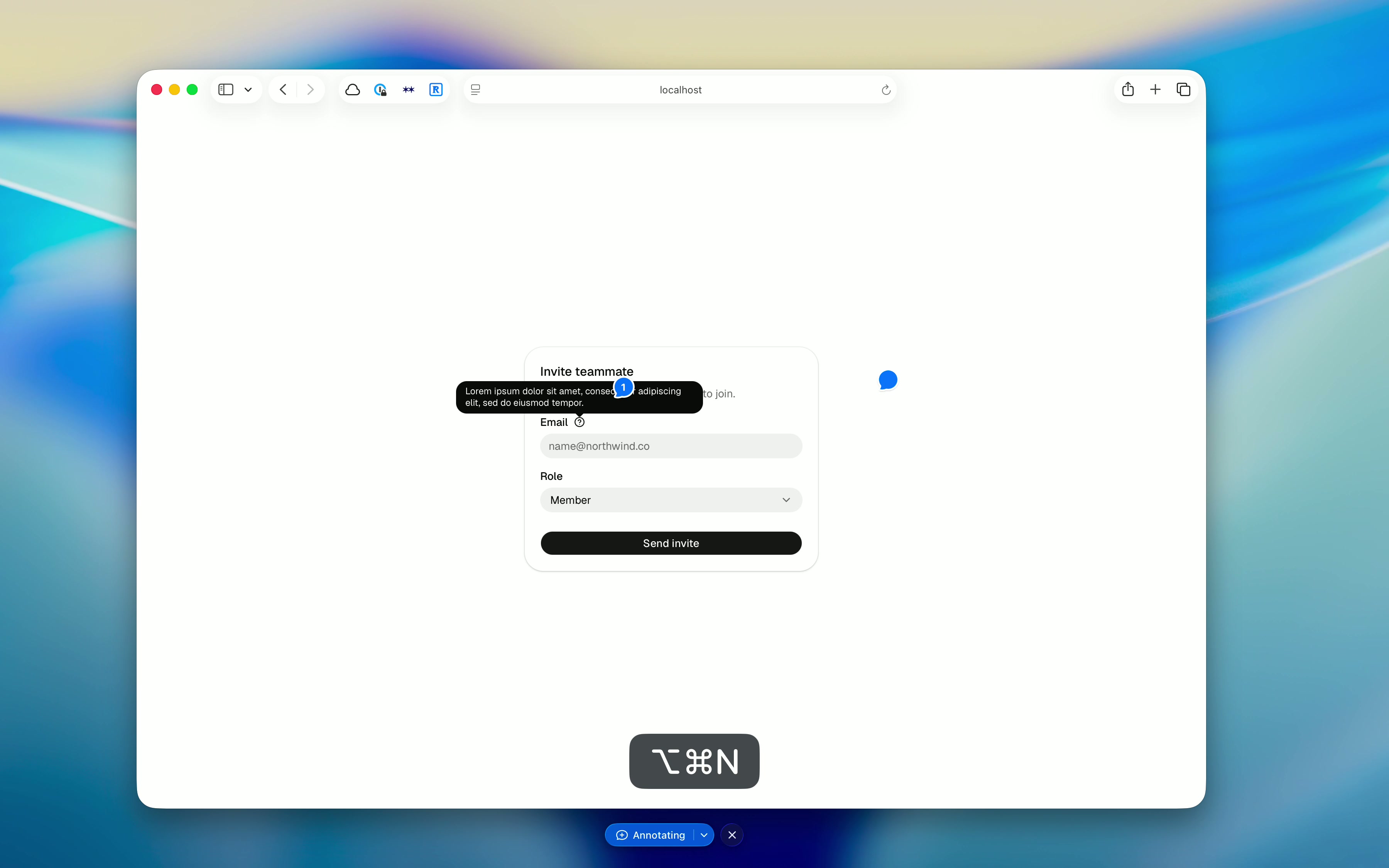
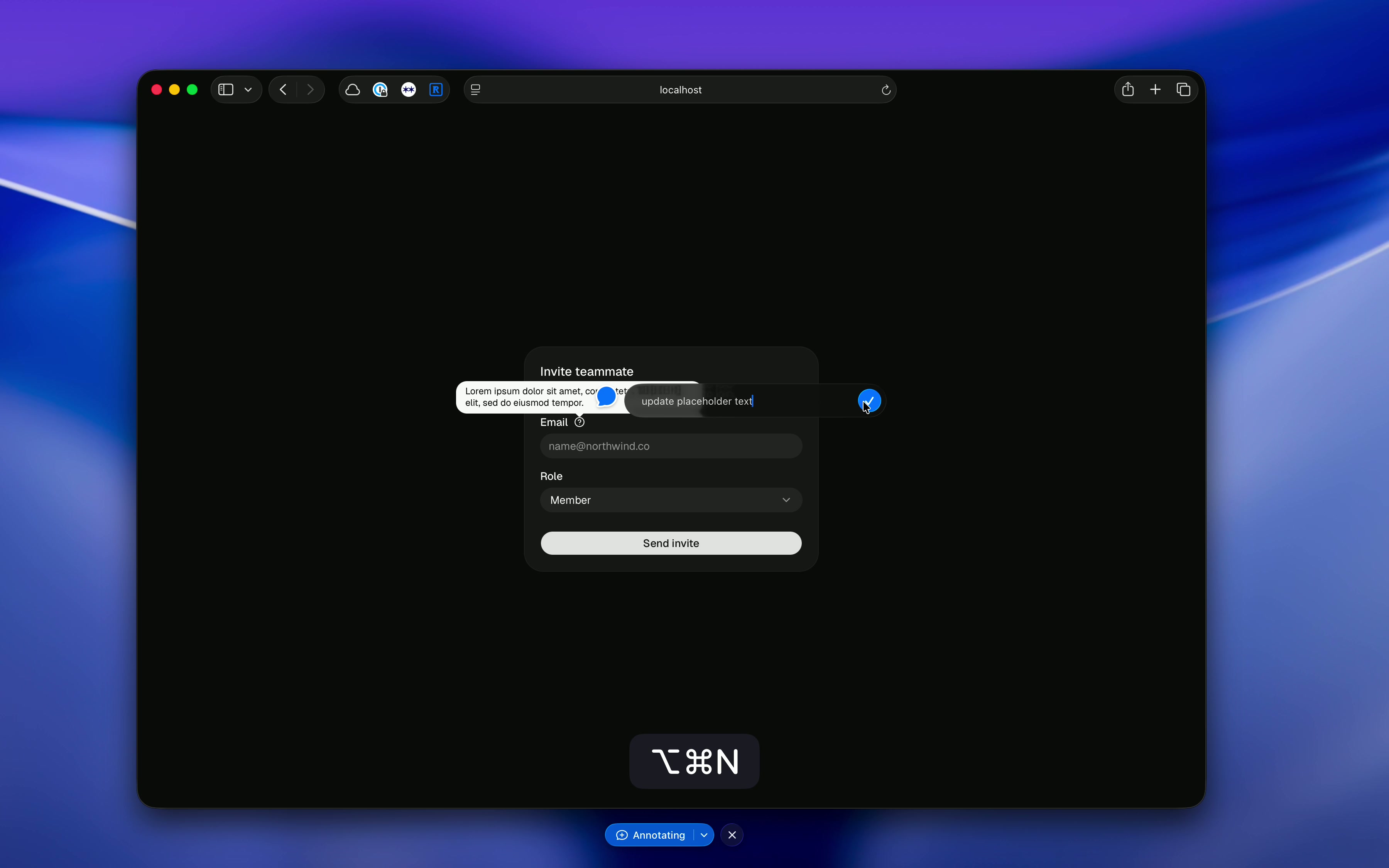
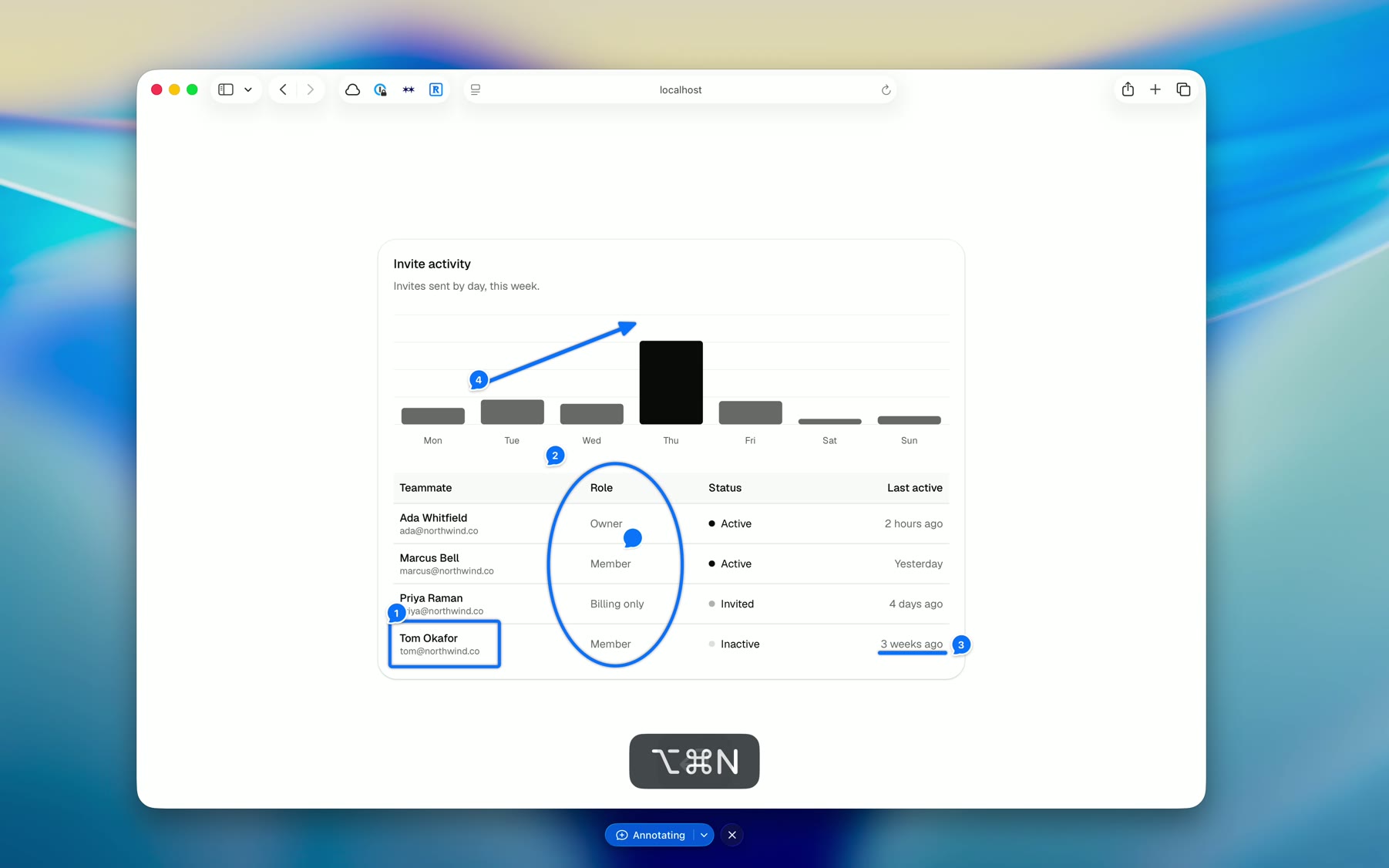
- - Freeze & annotate. Capture the screen as a snapshot. Nothing moves underneath as you annotate.
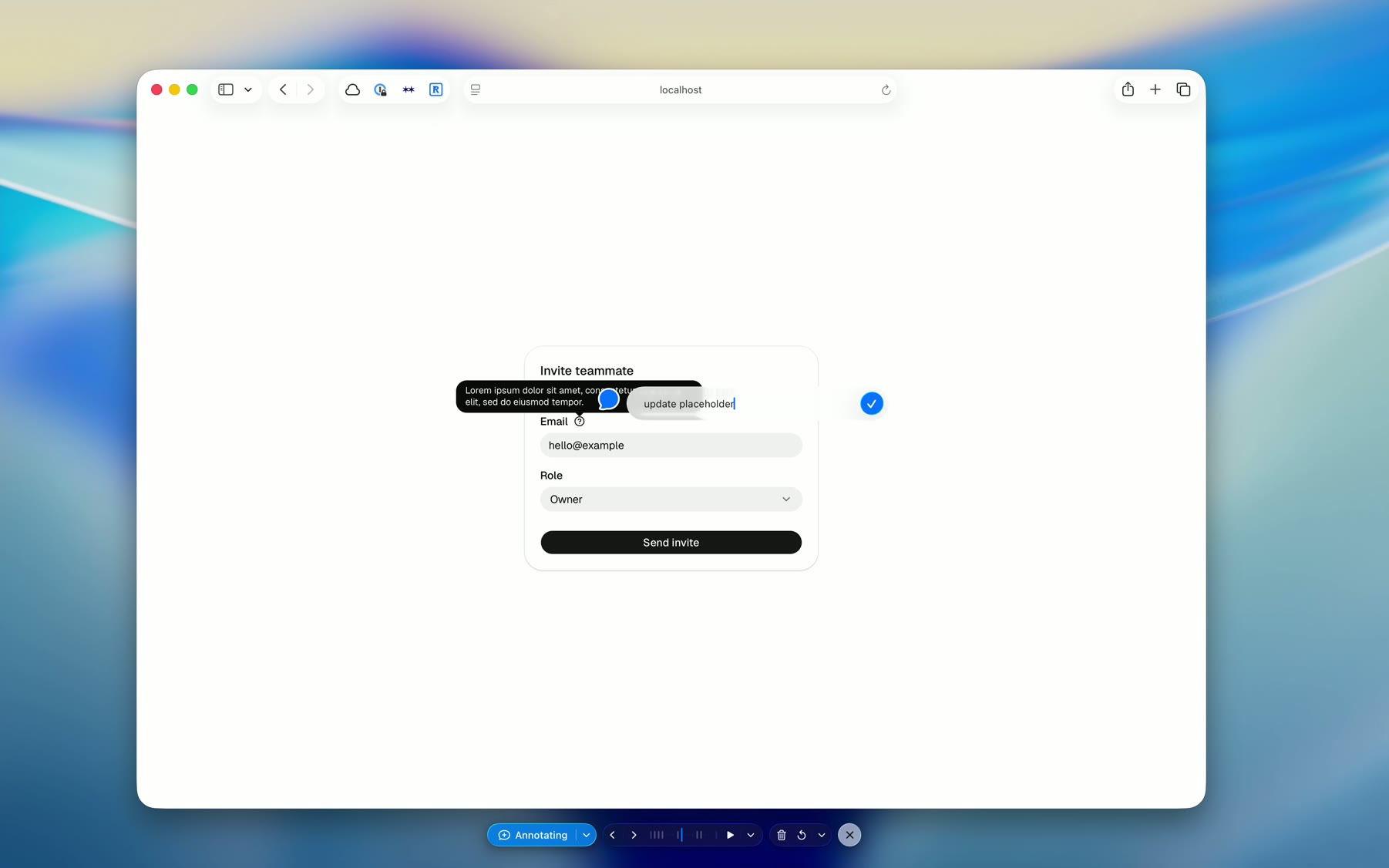
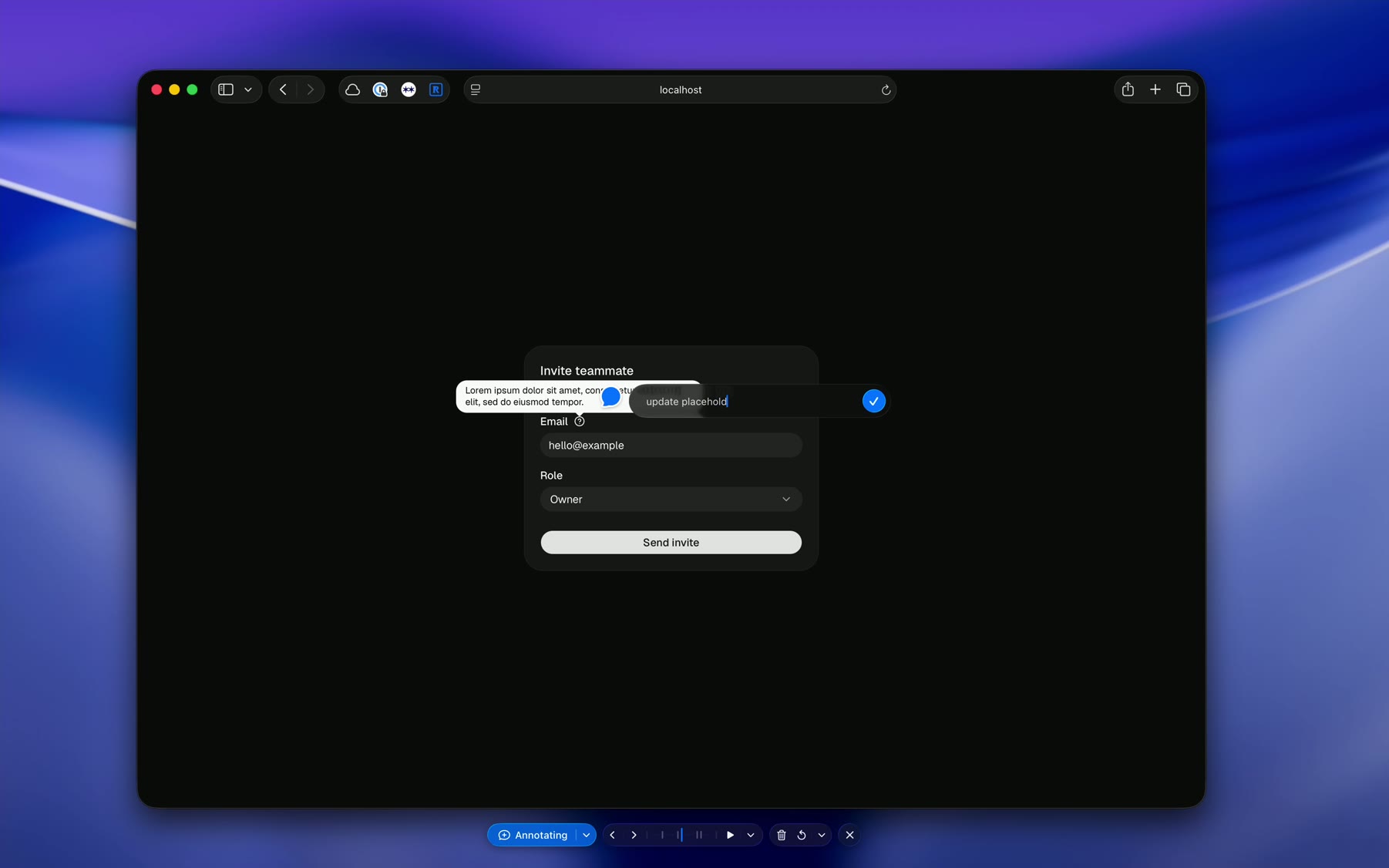
- - Record & annotate. Capture over time. Annotate while you record or review the timeline.
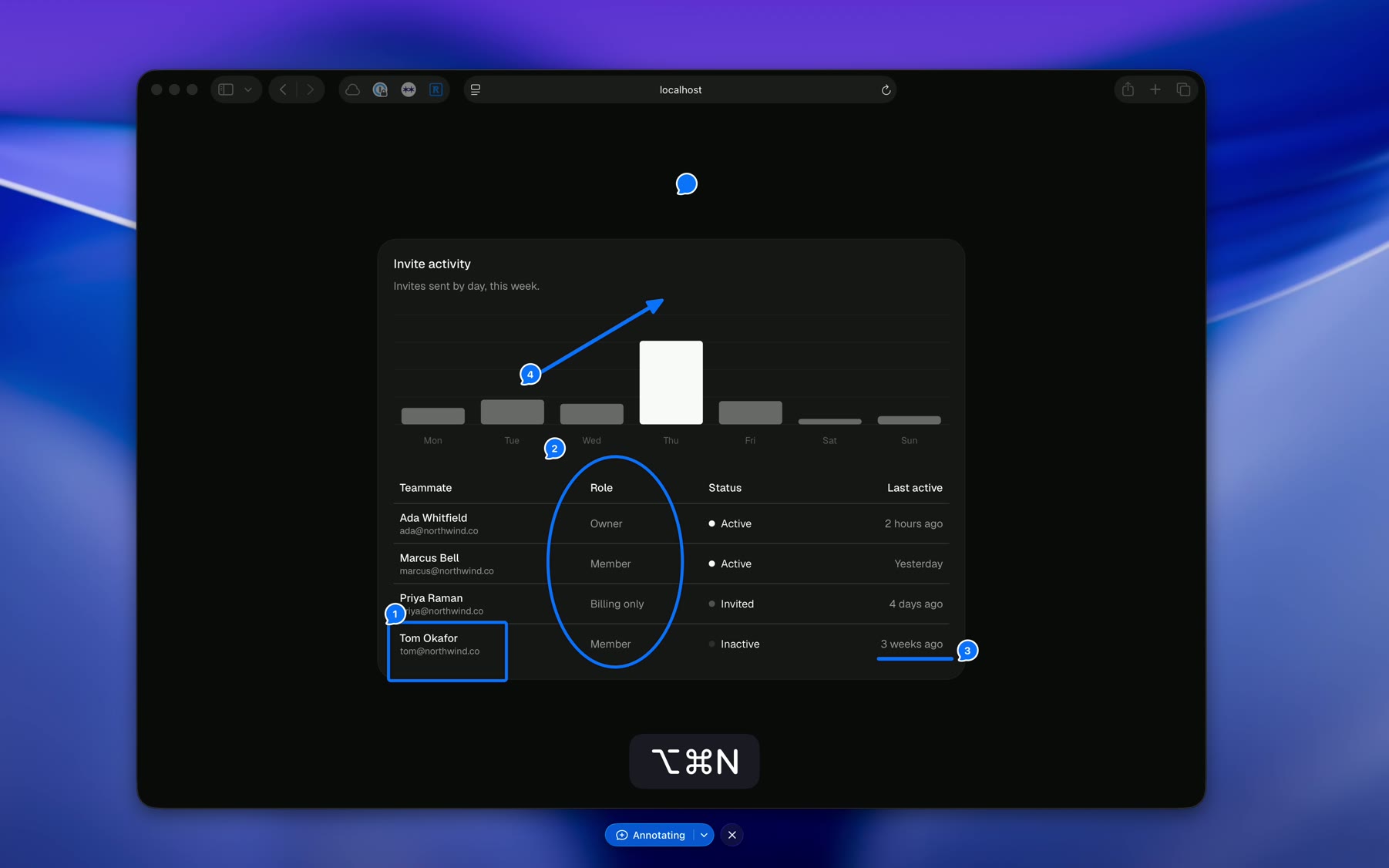
- - Toolless. Click plants a numbered pin. Drag draws an arrow. Close a loop, and it snaps into shape. Hover, and the exact element under your cursor offers itself. The gesture decides.
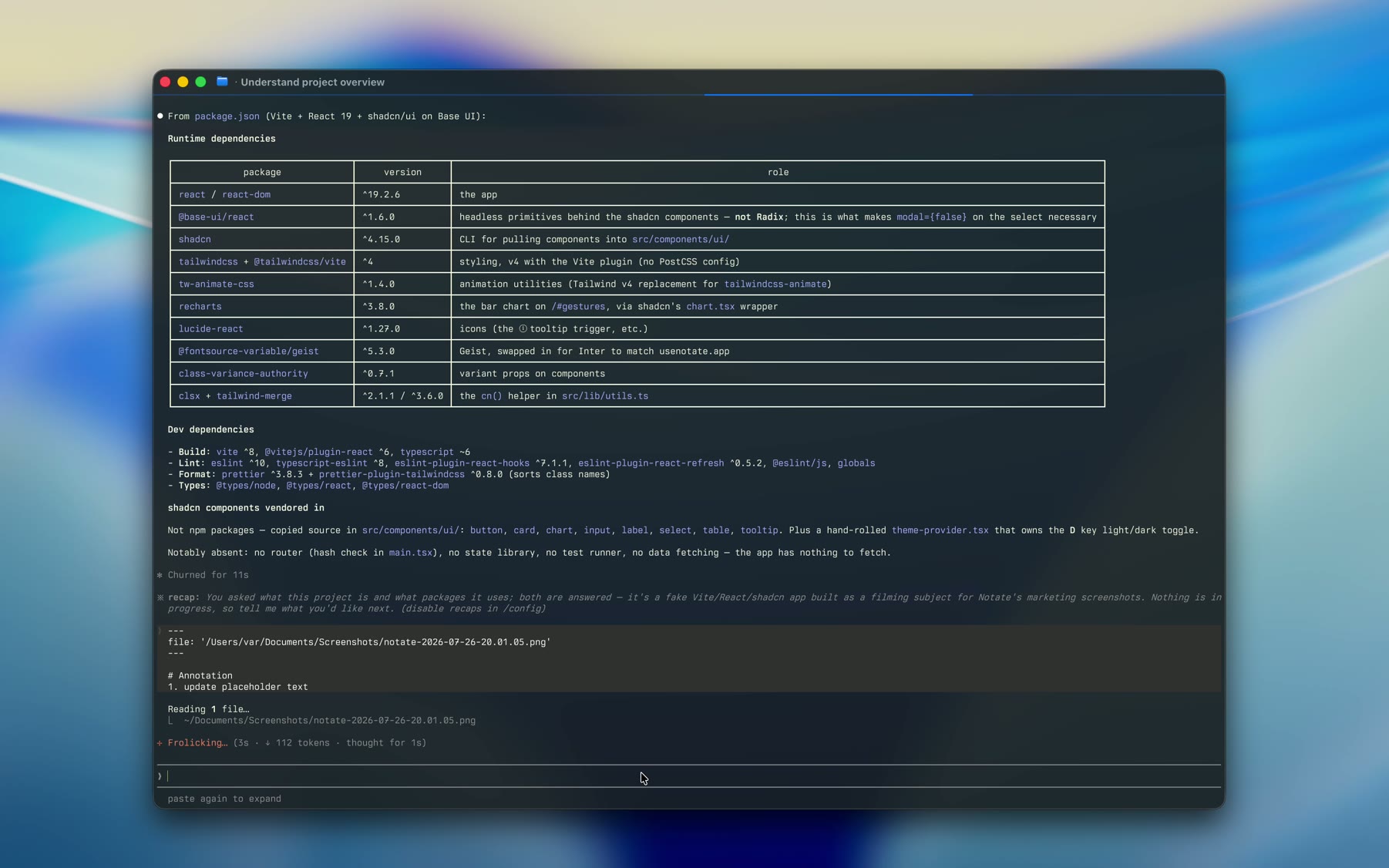
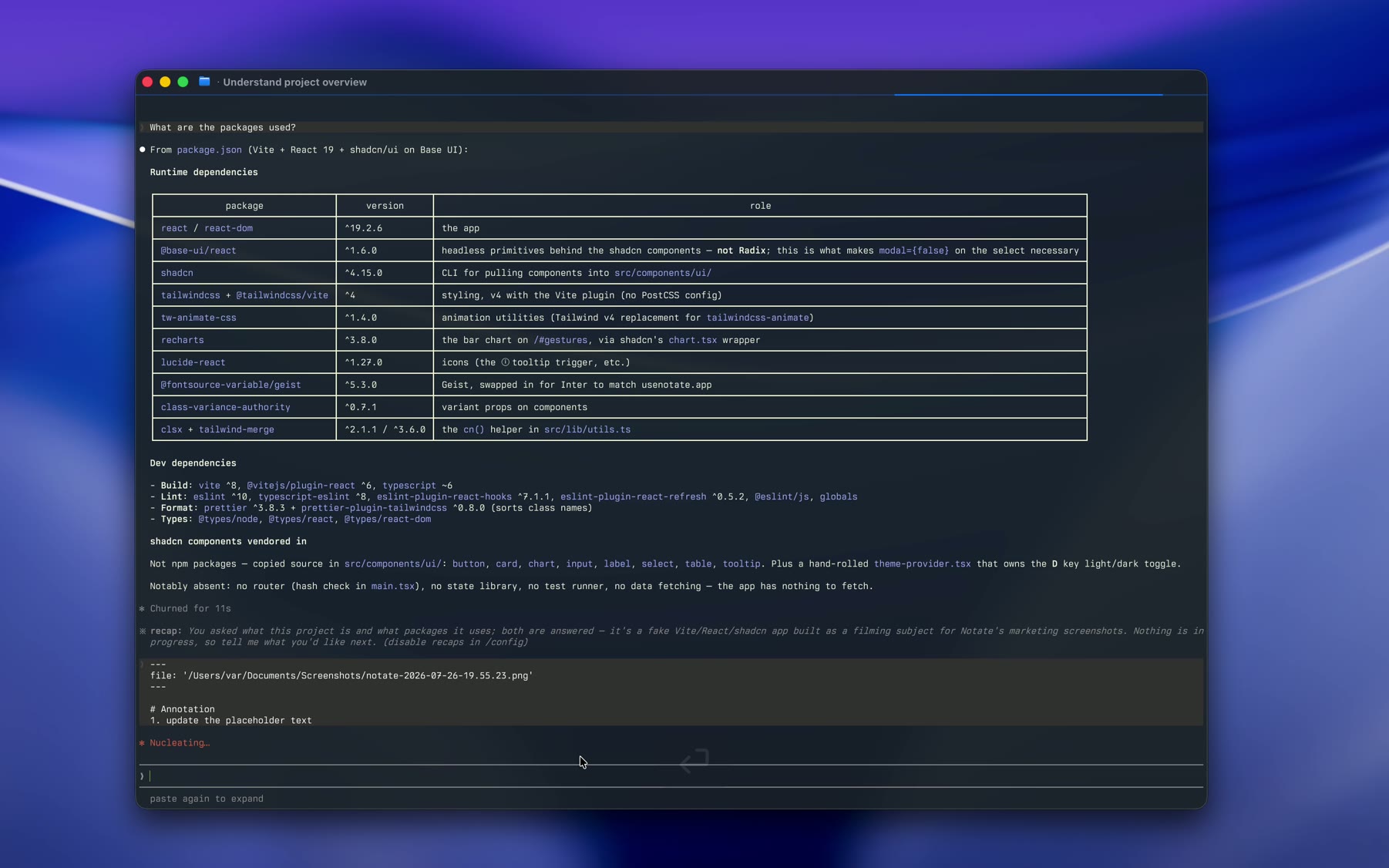
- - Visual handoff. Finished sessions are ready for a human or agent.
- - CLI, Skills & MCP. Use from the terminal or any MCP client. Let agents annotate, record, read, and diff the screen to check their work.
Questions before you install.
What is Mean for?
Anything where pointing beats describing: design and motion review, bug reports and QA, product walkthroughs. Point to the spacing that's off, jump to the frame where something broke, then share the annotations—or hand them to a coding agent as a visual prompt.
Why does it need Screen Recording permission?
Used to read your screen when you capture.
Where do my captures go?
To History on your Mac, and to your Mean account on the web when you sign in.
What does the export look like?
Two modes. Text copies a one-line command — paste it to an agent and it reads the whole session. Image copies one picture with the comments joined on.
What is a .mean file?
Mean's session format — a portable, versioned archive of one session: images and comments together. Reopen it and keep annotating.
Is it free?
Yes. Mean is free to download and use, distributed as a DMG from this site.
Where do I ask questions?
In the Discord — for questions and bug reports.